

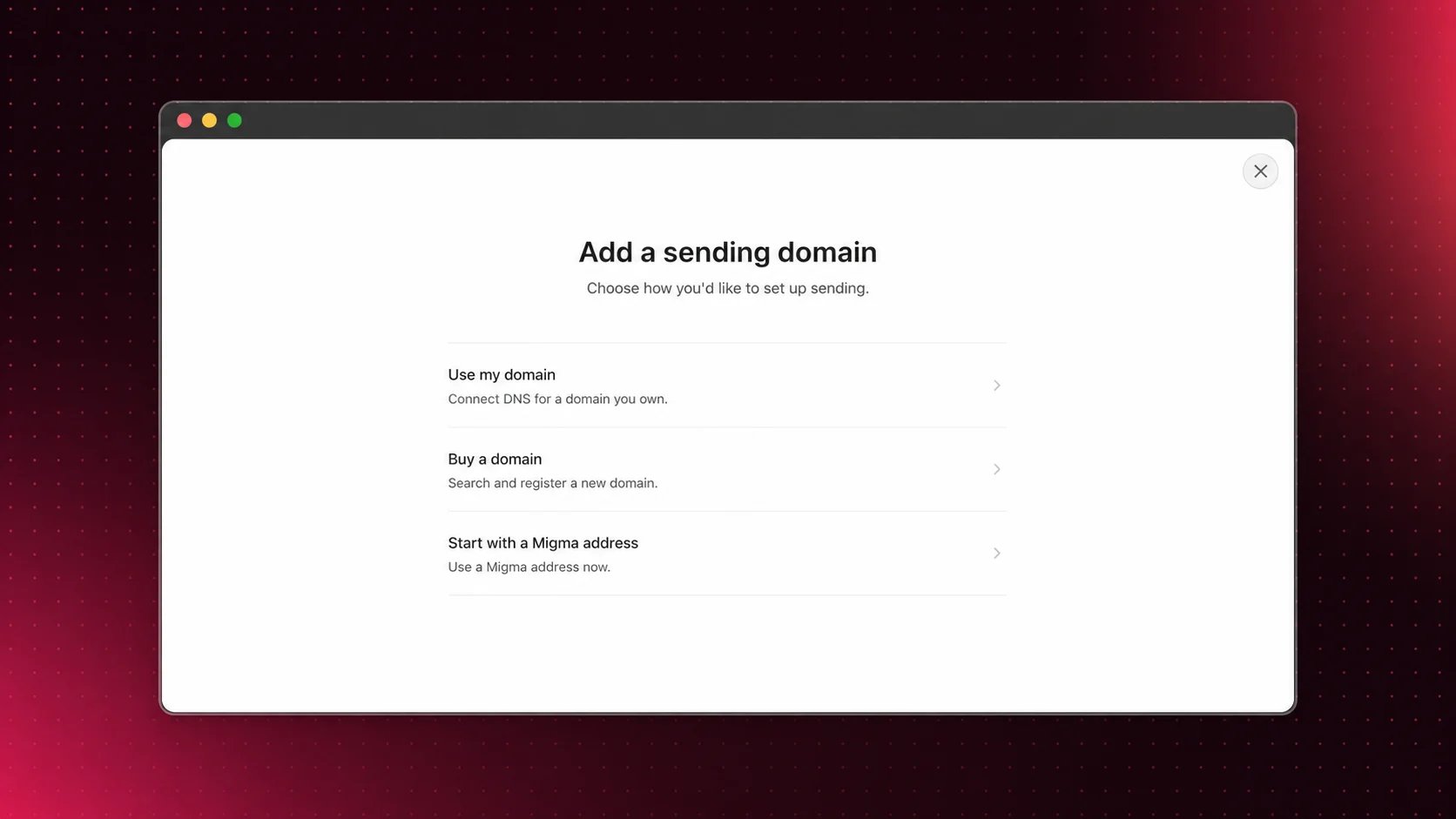
Choose Buy a domain from Sending Domains
How it works
1
Open Sending Domains
Go to Sending Domains → Add Domain.
2
Choose Buy a domain
Use Search for a domain to enter a brand name or exact domain.
3
Pick a domain
Choose from Available domains and review annual billing.
4
Point the domain
Fill Where should this domain point? so visitors land on your site.
5
Buy domain
Click Buy domain and complete checkout.
What Migma handles
- Domain registration
- Sending setup
- DKIM, SPF, DMARC, and MAIL FROM authentication
- Domain status in Sending Domains
Before you buy
- Choose a brand-safe domain users will recognize.
- Migma manages DNS for domains bought in Migma.
- Use Add a Domain if you already own the domain.
- Warm new domains before larger sends.
Custom DNS records
Migma hosts DNS for domains bought in Migma, so there is no separate DNS panel. To manage the domain’s records, open it in Sending Domains, go to the DNS records tab, and use Custom DNS records. You can add and remove A, AAAA, CNAME, MX, TXT, and NS records at any name under your domain:- Use @ as the name for the root domain, or enter any name under it.
- A and AAAA point a subdomain at a server, for example
app.yourbrand.com. - CNAME points a name at another host, for service validation or hosted tools.
- MX lets the domain receive email through your inbox provider, such as Google Workspace or Microsoft 365.
- TXT covers verification checks: BIMI, Verified Mark Certificates, Microsoft 365, and Google Search Console.
- NS delegates a subdomain to another DNS provider.
- The records that power sending: SPF, DKIM, DMARC, the Return-Path records, and your domain’s ownership record.
- A second SPF or DMARC record on a name that already has one. To authorize another sending service, add it to the existing SPF record.
- The root domain and www addresses, which Domain forwarding below controls.
Domain forwarding
Visitors who open a bought domain in a browser are redirected to the address you chose at purchase. To change it, open the domain’s DNS records tab and edit Domain forwarding.Related guides
Add a Domain
Connect a domain you already own.
Domain Warming
Increase sending volume gradually.
What You Can Send
Review permission-based sending rules.