Overview

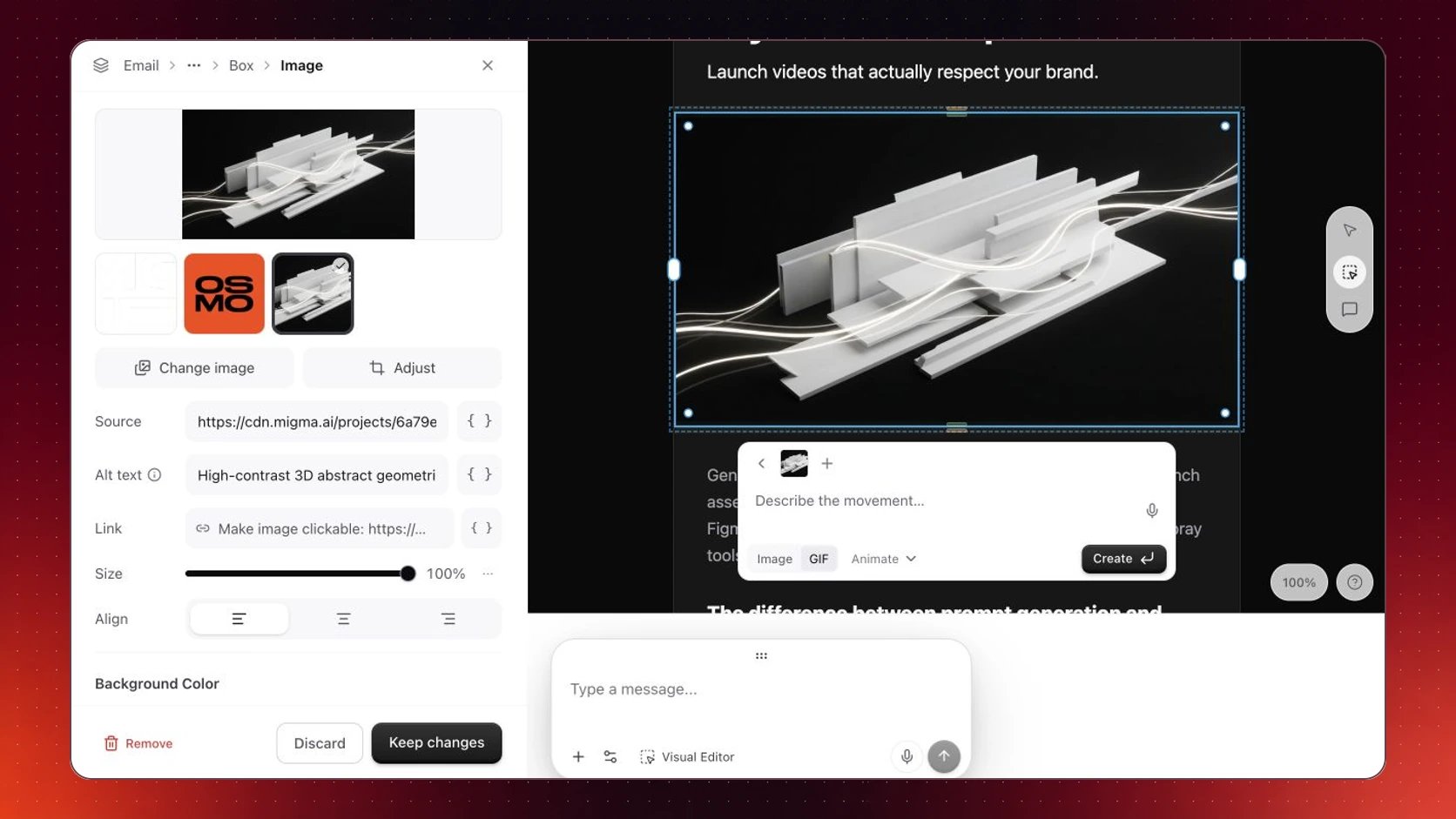
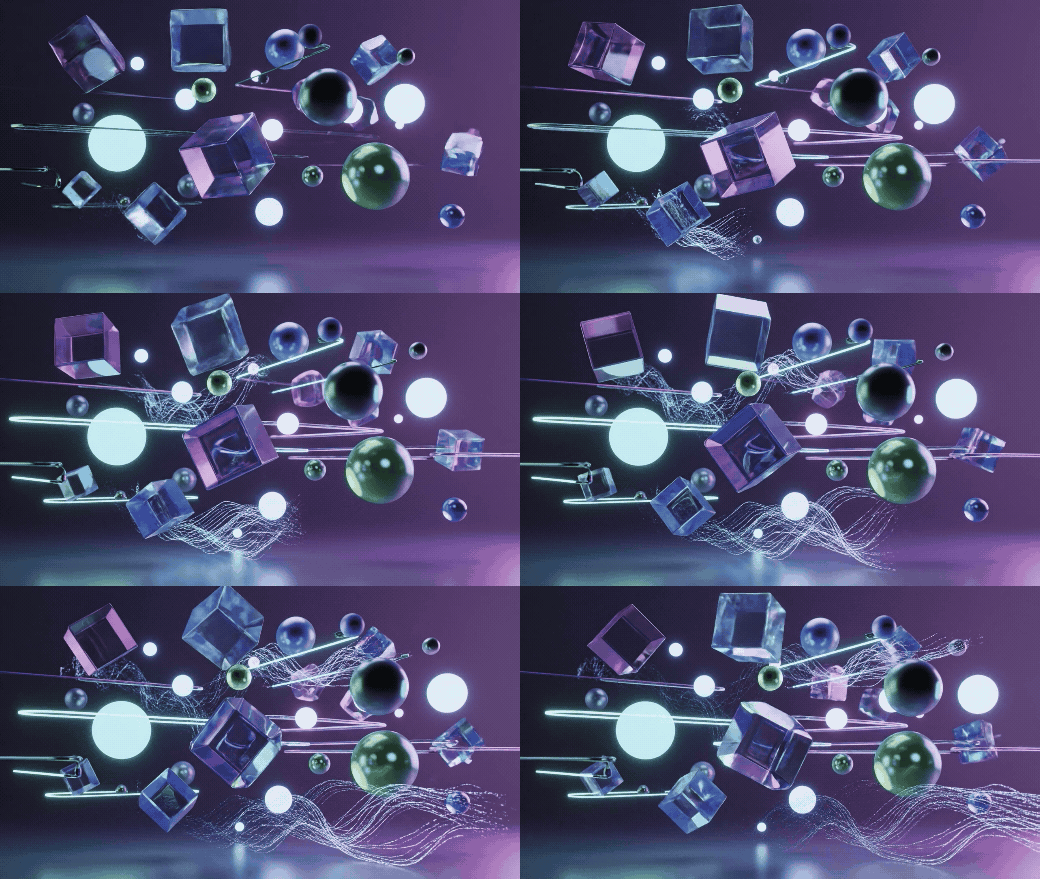
New in Dec 2025: Bring your emails to life. Ask Migma to animate any image—product photos, hero banners, or anything else—and get a smooth, email-ready animated GIF.

Animate Any Image

Turn any still image into eye-catching motion

Smooth Transitions

Create seamless animations between two images

Email-Ready

Optimized for fast loading in all email clients

How It Works

1

Upload or Select an Image

Use any image from your project, upload a new one, or let Migma generate one for you
2

Ask Migma to Animate

Describe the animation you want:
  • “Animate this product with a slow rotation”
  • “Add a subtle zoom effect”
  • “Create a smooth transition to this other image”
3

Get Your Animated GIF

Migma generates a smooth, compressed animation ready to drop into your email

What You Can Do

Turn any image into motion:
  • Product rotations and spins
  • Subtle zoom or pan effects
  • Pulsing and breathing motion
  • Floating or bobbing elements
Just ask: “Animate this with a gentle zoom”

Use Cases

Product Showcases

Show your product from every angle with a smooth 360° rotation

Hero Animations

Make your email header stand out with subtle, elegant motion

Before/After Reveals

Show transformations with a seamless transition between two images

Attention-Grabbing CTAs

Draw eyes to your call-to-action with subtle animation

Example Prompts

Here’s how to ask Migma for animations:
What You WantHow to Ask
Product spin”Animate this product with a slow 360° rotation”
Zoom effect”Create a subtle zoom-in on this hero image”
Color transition”Transition smoothly between the blue and red versions”
Floating motion”Add a gentle floating effect to this icon”
Before/after”Animate from the before image to the after image”

Email Optimized

Every animation Migma creates is ready for email:
Compressed for fast loading
Works everywhere in all major email clients
Smooth playback at the right frame rate
Right dimensions for email layouts

Next Steps


Need Help?