

Real-time presence and cursors are ephemeral. They show who’s active right now and where they’re pointing; they are never written to your project. The durable work — your emails, canvas, and project data — is saved the same way it always is.
What you get
Live presence
See everyone currently in the project as a stack of avatars.
Live cursors
Watch teammates’ pointers move across shared project surfaces in real time.
Slot focus
See which series slot a collaborator has open and is editing.
Generation awareness
A live “X is generating…” indicator so two people don’t run the AI on the same email at once.
Comment threads
Leave anchored feedback, mention teammates, reply in place, and resolve or reopen each thread.
Live presence
The avatar stack in the project header shows who else is in the room right now. As people join and leave, the stack updates instantly — no reload. Each collaborator gets a stable color so you can tell their cursor and focus apart from everyone else’s.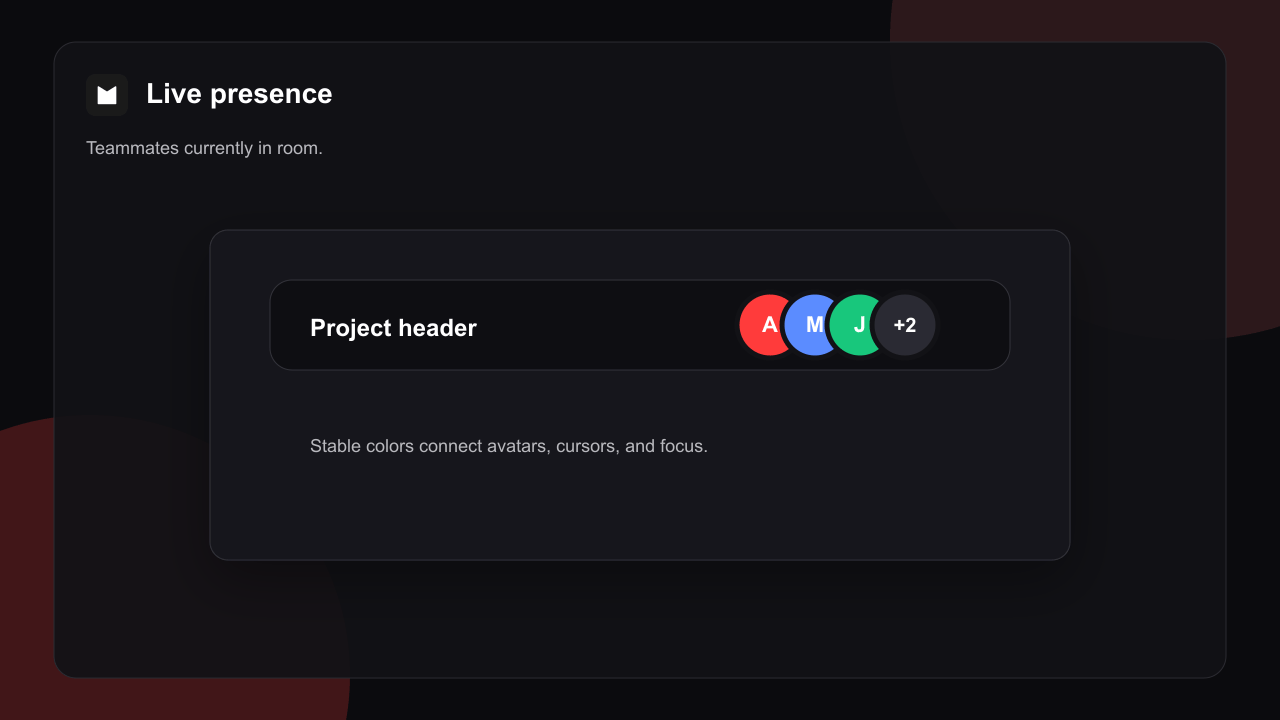
+N bubble. Presence only ever shows signed-in collaborators with access — anonymous public-link viewers never appear and never leak into the room.
Live cursors and slot focus
Move your pointer in chat or over a shared project surface and everyone else in the room sees it, labelled with your name and color. In canvas views, cursors travel in canvas coordinates, so they stay anchored to the right spot even as people pan and zoom independently.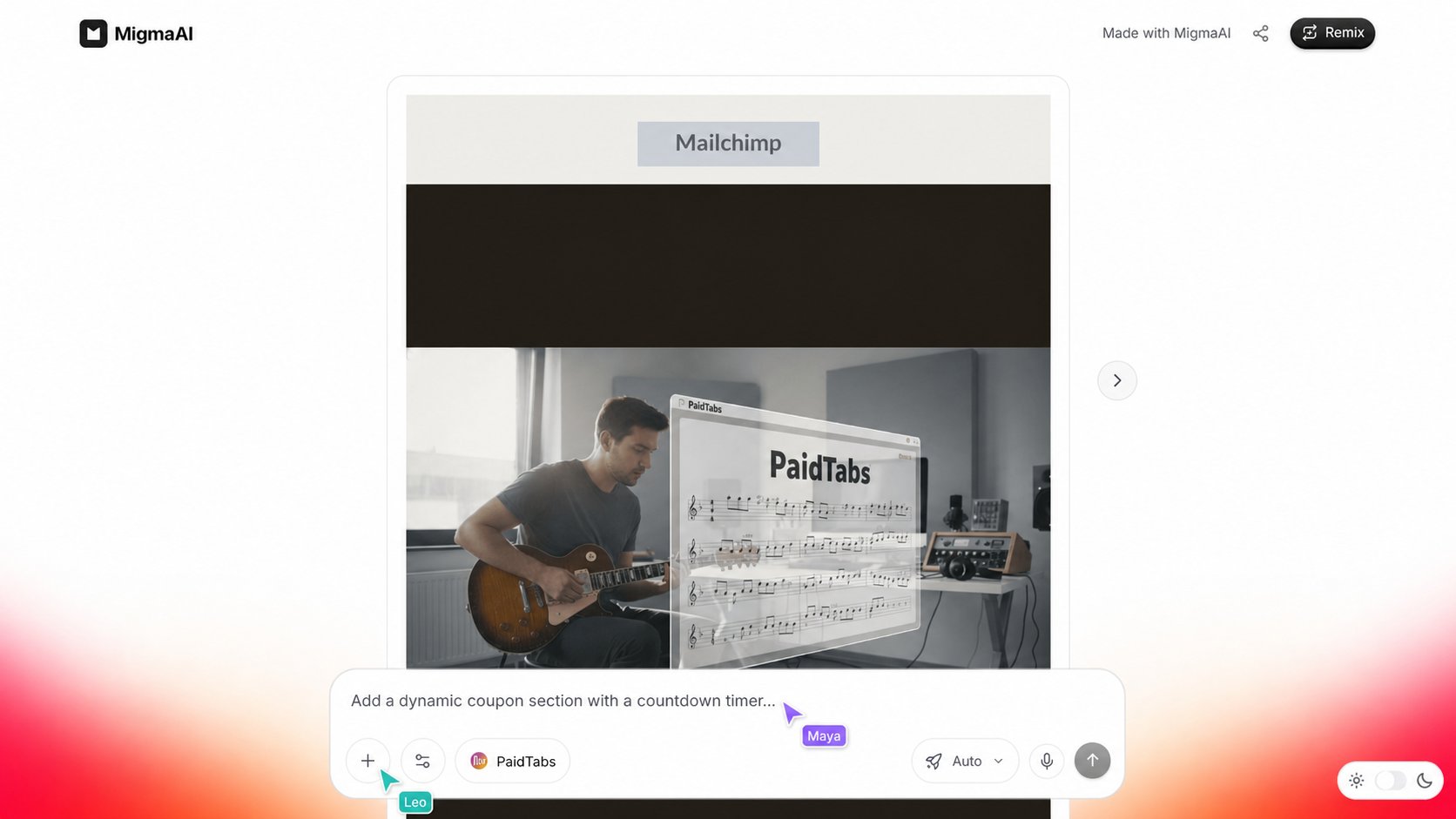
Live canvas sync
When a collaborator changes the canvas, pins a competitor email, adds a comment, or moves a node, everyone else’s canvas shows the change within a moment. Migma coalesces rapid bursts such as dragging into one refresh, so the canvas stays smooth instead of flickering. This is a refresh-on-change model: peers receive a small “the canvas changed” ping and re-pull the latest state. There’s no character-by-character merging on the underlying email in this version — the most recent change to a given area wins.Comment threads
Select the comment tool on Visual Canvas, then choose a point beside the email or canvas area you want to discuss. The thread opens at that point. Type@ or use the @ button to find a teammate by name or email in new comments and replies. The selected teammate gets an in-app alert that returns them to the exact thread, even if they were away when you tagged them.
Comment markers show the original author and reply count without covering the work. Commenters can use threads without gaining permission to edit emails or send campaigns. Viewers can read existing threads.
Unresolved thread text is available to Migma on the next design turn. Resolving a thread keeps it visible for your team but removes it from later design context.
Generation awareness
Running the AI agent is the one action where two people genuinely collide. To prevent that, Migma shows a live indicator when someone is generating.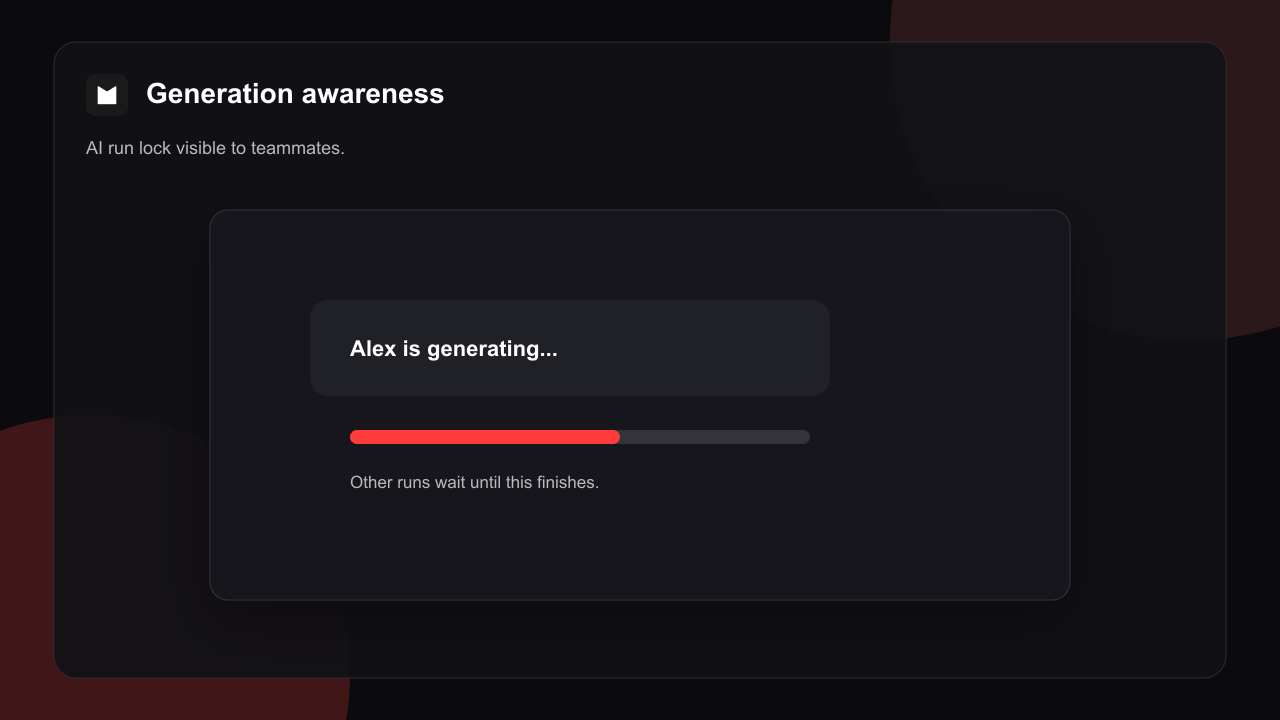
How it turns on
1
Open a shared project
Real-time is automatic. The moment a project has collaborators with access, the live room is available.
2
A teammate joins
When someone else opens the same project, you both appear in each other’s presence stack.
3
Work together
Cursors, slot focus, canvas changes, and generation status all flow live for as long as you’re both there.
There’s no setting to enable and nothing to install. If you don’t see anyone else, it just means you’re the only person in the project right now.
What real-time does and doesn’t do
Is my work saved by real-time?
Is my work saved by real-time?
No — and it doesn’t need to be. Presence and cursors are ephemeral signals about who’s active. Your actual emails and canvas are saved through the normal project flow, independent of the live room.
What happens if I lose connection?
What happens if I lose connection?
Your cursor and presence simply stop broadcasting until you reconnect. On reconnect, you re-pull the current project state — you never replay a backlog of missed cursor frames.
Can public-link viewers see presence?
Can public-link viewers see presence?
No. Anonymous viewers get the read-only render path with no real-time room, so presence and cursors never leak to people without access.
Do edits merge character by character?
Do edits merge character by character?
Not in this version. Canvas sync is refresh-on-change and manual text edits to the same area resolve last-write-wins. There’s no operational-transform merge on the email content yet.
Comment replies and resolution changes use the same canvas sync as other durable nodes. Teammates see the saved thread update within a moment.
Related pages
Workspaces
Team workspace switcher and shared credits.
Team Access
Invite collaborators and control who can view or edit a brand.
Visual Canvas
The shared canvas where presence, cursors, and live sync come together.