

Seats apply to the Business plan. Roles are in Team access. Workspaces and shared credits are in Workspaces.
Who uses a seat
One person uses one seat across every brand they can edit in that workspace.
Free collaborators
A free collaborator is an editor or manager who holds no seat. They get the full collaboration experience: live editing, canvas sync, sending from the brand. The difference is AI generation, which runs on their own plan’s credits. A seat is what grants a collaborator Premium-level generation.- The workspace owner or a manager on all brands (paid or free) can choose this at invite time: check Free collaborator when inviting an editor or manager, from a brand’s Share panel or from Settings → People.
- You can also switch someone after they’ve joined. In Settings → People, open the row menu next to their name and choose Make free collaborator — or Assign paid seat to move them back onto the seat bill.
- A free collaborator who is a manager can invite others, and everyone they invite is a free collaborator too. Their whole invited group stays off your seat bill.
- There is no limit on free collaborators.
A free collaborator never converts into a paid seat on its own. Role changes, new brand grants, and re-invites keep them seat-free until the owner or a manager on all brands assigns a paid seat.
Included and extra seats
Business includes 2 seats. Add more from Settings → People or during Business checkout. Extra seats bill monthly (prorated when you change mid-cycle).1
Open Settings → People
Seat purchase controls appear when the workspace is on Business and you are the owner.
2
Adjust seat count
Use the stepper. The UI shows included vs extra seats and the price before you confirm.
3
Confirm
New seats are available after checkout succeeds.
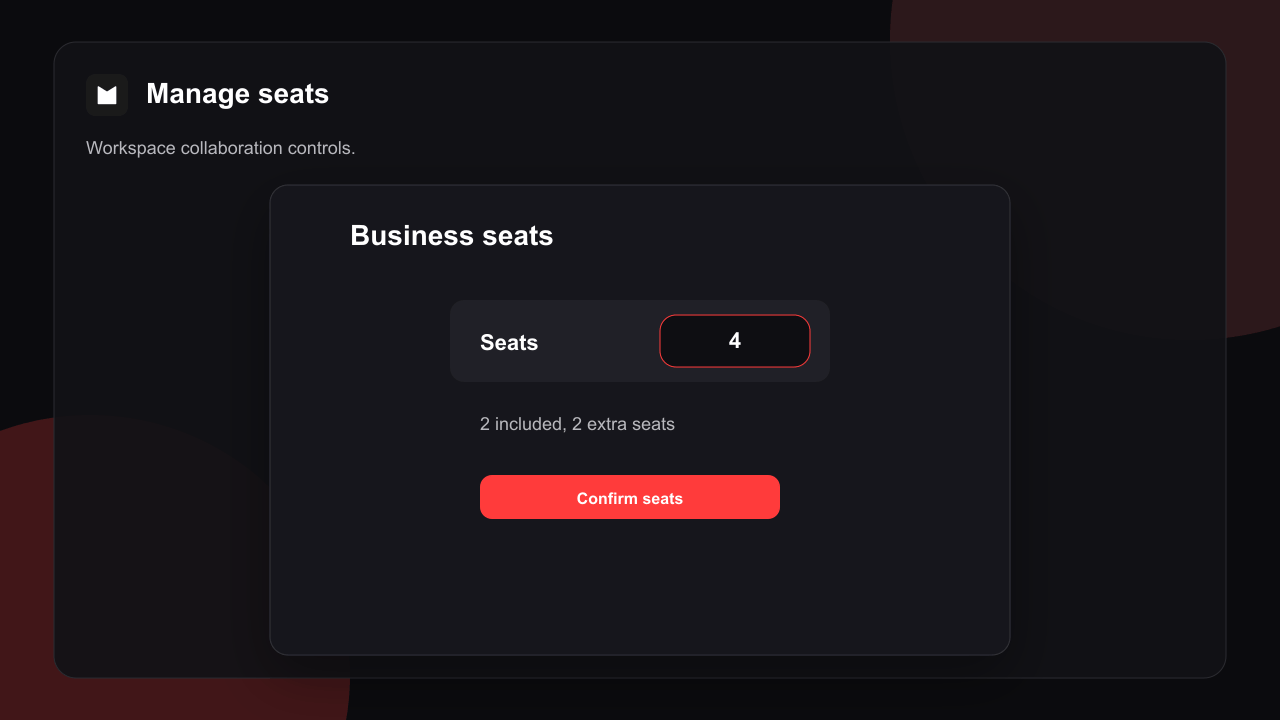
Only the workspace owner can buy extra seats or change billing. A manager on all brands can invite people and move someone between a paid seat and a free collaborator.
Free a seat
Change an editor to Viewer or Commenter, or remove them. The seat frees immediately. Lower your purchased seat count after editors are off seats if you want a smaller bill.Who is billed
Subscription and seat charges go to the workspace owner. Admins can manage people and seats; invoices stay on the owner account. AI generation is per person: a seat holder generates with Premium-level limits on their own account, and a free collaborator generates on their own plan’s credits. Campaign sending uses the workspace owner’s quota, since campaigns send from the owner’s domain (see Workspaces).Related
Workspaces
Switch workspace and shared credits.
Team access
Invite and roles.
Real-time collaboration
Live editing on a brand.