

Domain warming is for domains you own. A managed Migma address uses shared reputation and a fixed daily limit, so it does not warm. Add a domain you own when you need your own reputation and higher limits.
How to start warming
Your own domain needs to be verified before you can start. If you have not done that yet, see Add Sending Domain first.- Go to Sending Domains in the left sidebar
- Click on your domain
- Find the Domain Warming section
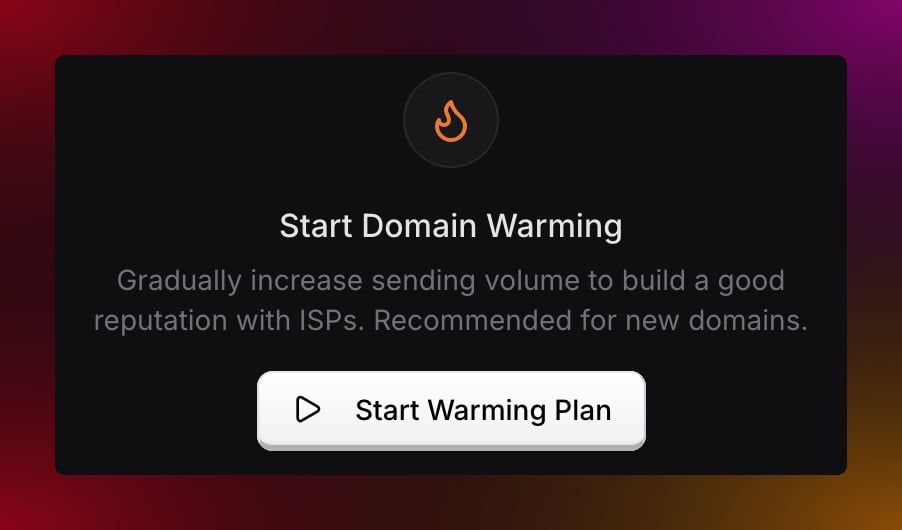
- Review the starting volume, daily growth, and safety setting
- Click Start warmup
Daily sending limits
Warming follows the settings shown before you start. The default Balanced plan reaches 10,000 daily sends on day 24.
Faster growth options are available for domains with sending history and clean lists. Slower settings are safer for new domains.
You can check how many emails you have left for the day at any time by clicking on your domain in Sending Domains.
Managing warming
Pause warming — if you need to stop temporarily, click Pause from the Warming tab. Migma stops applying warmup caps until you resume. Resume warming — click Resume to pick up from the same day and limit. Check your progress — your domain page shows the current day, today’s limit, emails sent, remaining capacity, next cap, schedule preview, and safety thresholds.Tips for a smooth warm-up
Send every day. Even a small batch of 10 to 20 emails helps. Skipping days slows down reputation building and signals inconsistency to email providers. Send to your most engaged subscribers first. People who open and click regularly give you the best engagement rates during warming, which helps build reputation faster. Keep your list clean. High bounce rates or spam complaints can pause warming automatically. Balanced safety pauses above 3% bounce rate or 0.07% complaint rate after enough volume. Let Migma split large sends. If a campaign is larger than today’s safe capacity, Migma sends what it can and waits for more capacity instead of forcing the full list through at once.Warming statuses
Something not working?
Warming paused automatically
Warming paused automatically
This usually means your bounce or complaint rate crossed the safety threshold. Clean your subscriber list, remove invalid addresses, and check your domain health before resuming. Reach out to support if you are not sure what caused it.
Cannot send emails during warming
Cannot send emails during warming
If warmup is active, check whether you have hit today’s daily limit. Limits reset at midnight UTC. A user-paused warmup does not block sends; an automatic safety pause requires review before resuming. If your domain is not yet verified, complete verification before warming can begin.
Warming feels slow
Warming feels slow
Use a lower starting volume or slower daily growth for new domains. Use faster growth only when the domain already has sending history and your list is clean.
What do you want to do next?
Domain health
Monitor your bounce and complaint rates.
Domain settings
Configure open and click tracking.
Send a campaign
Send your first email from your new domain.
Add Sending Domain
Set up a new sending domain.