

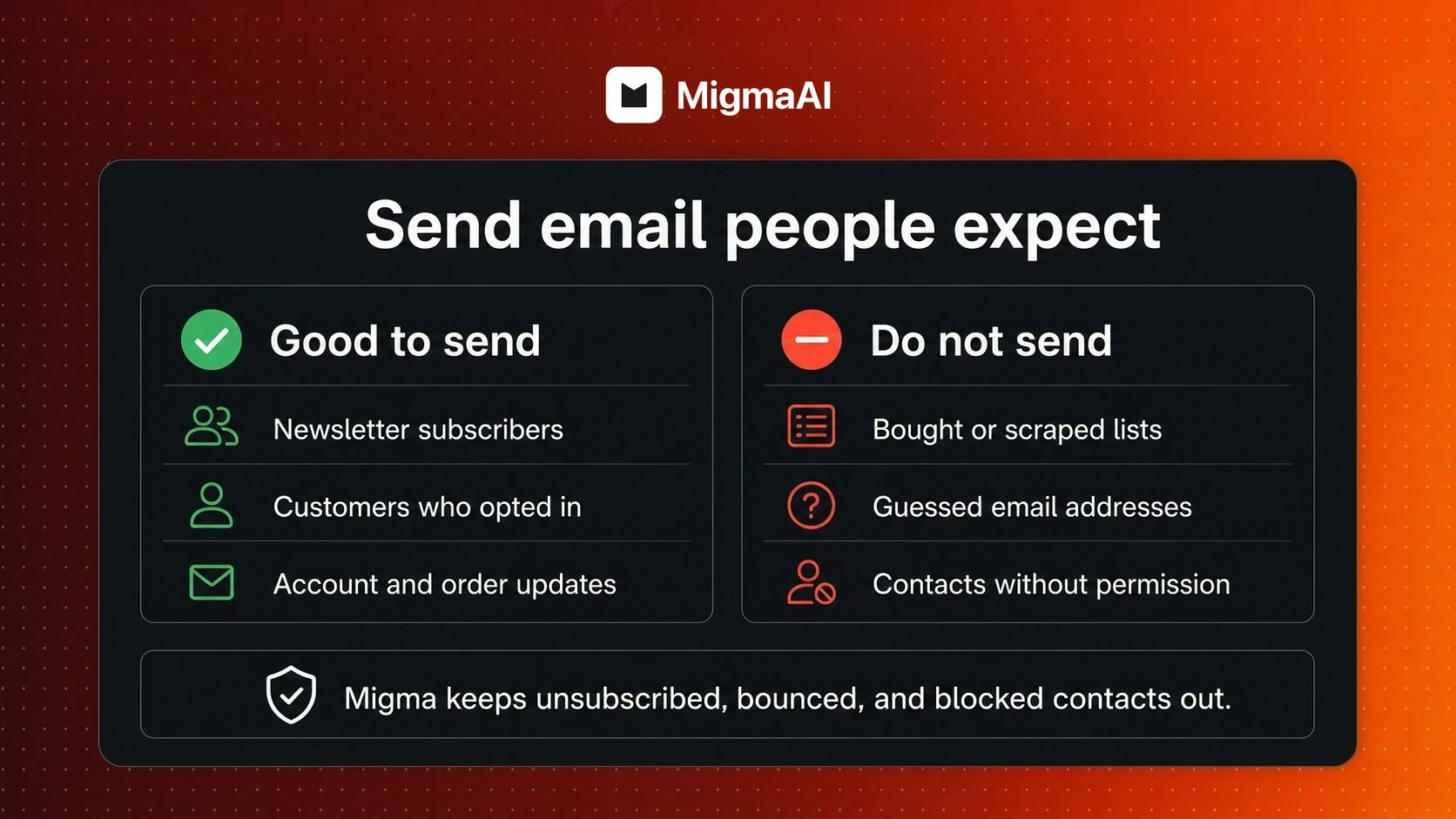
Use Migma for permission-based email
Migma is not for cold email. Do not use scraped, bought, rented, borrowed, or guessed email addresses.
Good uses
Marketing people chose
Newsletters, product news, offers, event updates, welcome flows, and other marketing for subscribers who opted in.
Messages people need
Account, order, billing, security, and service updates connected to an action or customer relationship.
Quick permission check
Did this person choose to hear from us?
A clear newsletter form, checkout choice, account setting, or request for updates counts. Being in a CRM, attending a call, matching your audience, or appearing on LinkedIn does not.
Before sending marketing email
Each person has clear permission to receive this kind of email.
Your list keeps the original subscription status when moved from another service.
Unsubscribed, bounced, invalid, and blocked contacts stay out.
Your email includes an easy way to unsubscribe or change preferences.
Account and order messages are different from marketing. Send them only when they are needed, and still keep bounced, complained, or manually blocked addresses out.
How Migma helps
Audience controls
Keep subscription status, preferences, and contact details together.
Suppression list
Prevent unsubscribed, bounced, complained, or blocked contacts from receiving mail.
Email Preflight
Review links, wording, spam risk, and inbox rendering before sending.
Sending domain
Send larger campaigns from an address that belongs to your brand.
Learn more
Add contacts from a file
Bring in people while preserving who can receive marketing.
GDPR newsletter consent
Set up clear newsletter permission for EU and UK subscribers.
CAN-SPAM checklist
Review sender details, content, and unsubscribe requirements.
Audience health
Keep your list clean and protect future delivery.