Build a segment from someone you already know

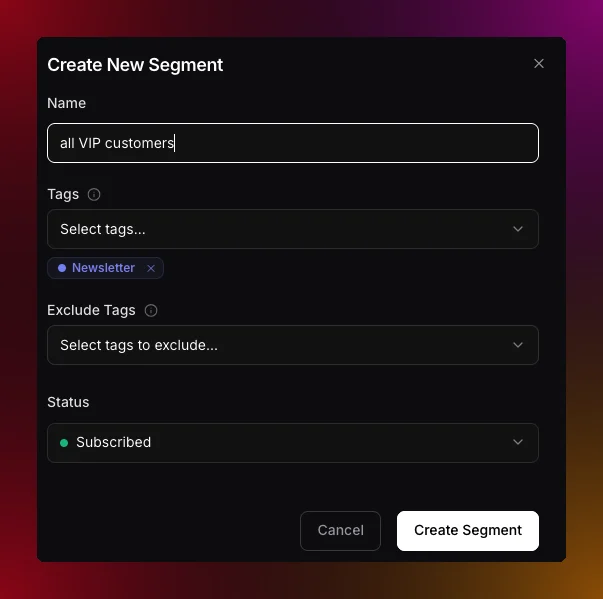
Create New Segment dialog with the describe-in-words search box and filter rows
The plain-language segment box in Contacts now understands examples. Ask for “contacts like alex@acme.com” or “subscribers similar to my best customer” and Migma looks up that person, finds the traits that make them stand out from the rest of your audience, and drafts a lookalike segment from those. It skips traits almost everyone shares, and never targets on names or email addresses, so you get a real audience rather than a copy of one contact. Plain-language drafting also reads attributes and engagement together, so requests like “pro plan contacts in France who opened recently” become filters you can review before saving. New Try chips under the box give you a starting phrase to edit. You can also point engagement filters at one campaign, for example “people who received the launch but did not click it”. Migma reads the campaign recipient log and tells you clearly when that activity is no longer retained. Tags and segments · Engagement segments