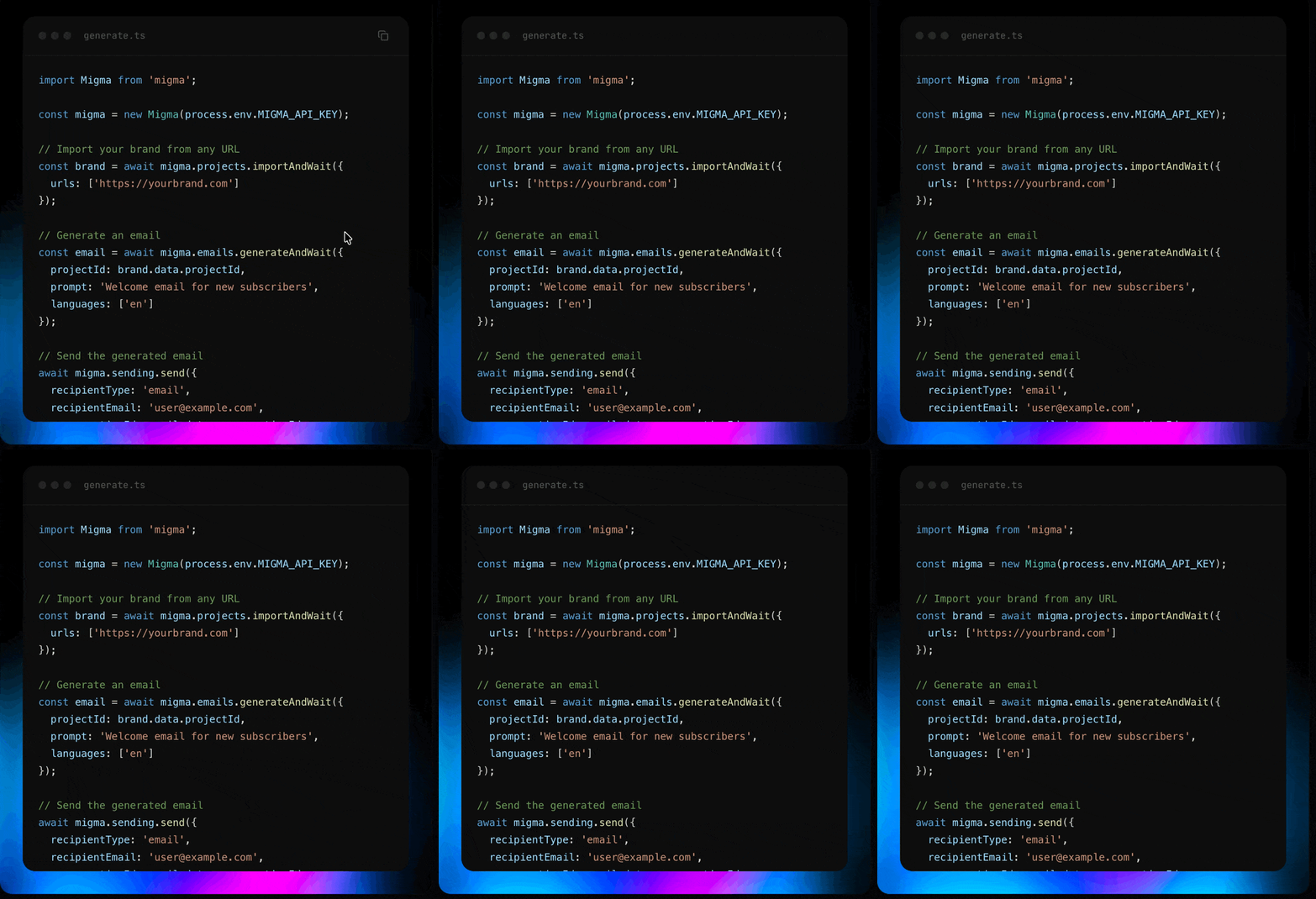
Installation

npm install migma
Requirements: Node.js 18 or later.

Quick Start

import Migma from 'migma';

const migma = new Migma(process.env.MIGMA_API_KEY);

// A project holds your brand info (colors, fonts, logos, tone of voice).
// Import one from your website, or use an existing project ID from the dashboard.
const brand = await migma.projects.importAndWait({
  urls: ['https://yourbrand.com']
});

// Generate an email design with AI — returns the finished HTML directly
const email = await migma.emails.generateAndWait({
  projectId: brand.data.projectId,
  prompt: 'Create a welcome email for new subscribers',
  languages: ['en']
});

if (email.data?.status === 'completed') {
  console.log('Subject:', email.data.result.subject);
  console.log('HTML:', email.data.result.html); // production-ready email HTML
}
Prefer async? Use migma.emails.generate() to kick off generation without waiting, then set up a webhook to receive an email.generation.completed event when the design is ready — no polling needed.

Quick Start with OpenClaw

OpenClaw (formerly ClawdBot) is an open-source AI agent for WhatsApp, Telegram, and Discord. Pair it with Migma to generate and send professional emails from a single chat command.
import Migma from 'migma';

const migma = new Migma(process.env.MIGMA_API_KEY);

// 1. Set up an instant sending domain (no DNS needed)
await migma.domains.createManaged({ prefix: 'yourcompany' });

// 2. Generate an on-brand email with AI
const { data: email } = await migma.emails.generateAndWait({
  projectId: process.env.MIGMA_PROJECT_ID, // your brand project
  prompt: 'Create a summer sale email with 30% off everything',
});

// 3. Send it
await migma.sending.send({
  recipientType: 'email',
  recipientEmail: '[email protected]',
  from: '[email protected]',
  fromName: 'Your Company',
  subject: email.data.result.subject,
  template: email.data.result.html,
  providerType: 'migma',
  projectId: process.env.MIGMA_PROJECT_ID,
});

Full OpenClaw Tutorial

Step-by-step guide: API key, sending domain, project setup, and sending from WhatsApp/Telegram/Discord.

Configuration

const migma = new Migma('your_api_key', {
  baseUrl: 'https://api.migma.ai/api/v1', // default
  timeout: 30000,    // request timeout in ms (default: 30s)
  maxRetries: 2,     // retries on 5xx / 429 (default: 2)
  retryDelay: 1000   // delay between retries in ms (default: 1s)
});

Error Handling

Every method returns { data, error } — it never throws:
const { data, error } = await migma.contacts.create({
  email: '[email protected]',
  firstName: 'Sarah',
  projectId: 'proj_123'
});

if (error) {
  console.error(error.code);       // e.g. 'validation_error'
  console.error(error.statusCode); // e.g. 400
  console.error(error.message);    // human-readable description
  return;
}

// TypeScript narrows — data is guaranteed non-null here
console.log(data.id);
Error codes: validation_error, not_found, unauthorized, forbidden, rate_limit_exceeded, conflict, timeout, network_error, internal_error, unknown

Async Polling Helpers

Email generation, brand import, and preview creation are asynchronous. The SDK provides *AndWait helpers that poll automatically until the operation completes:
const email = await migma.emails.generateAndWait(
  {
    projectId: 'proj_123',
    prompt: 'Create a product launch email'
  },
  {
    interval: 2000,     // poll every 2s (default)
    maxAttempts: 150,   // give up after 150 polls (default)
    onPoll: (status, attempt) => {
      console.log(`Poll ${attempt}: ${status.status}`);
    }
  }
);
All three polling methods:
MethodWaits for
migma.emails.generateAndWait()Email generation to complete
migma.projects.importAndWait()Brand import to finish
migma.previews.createAndWait()Device preview screenshots
You can cancel any polling operation with an AbortController:
const controller = new AbortController();
setTimeout(() => controller.abort(), 60000); // 60s timeout

const result = await migma.emails.generateAndWait(params, {
  signal: controller.signal
});

Resources

The SDK exposes 14 resources that map to every API v1 endpoint:
ResourceMethodsDescription
migma.projectslist get import getImportStatus retryImport importAndWaitBrand management
migma.emailsgenerate getGenerationStatus generateAndWait sendTestEmail generation
migma.sendingsend getBatchStatusSend emails
migma.exportgetFormats getStatus html mjml pdf klaviyo mailchimp hubspotExport to platforms
migma.contactscreate list get update remove bulkImport getBulkImportStatus changeStatusContact management
migma.tagscreate list get update removeTag management
migma.segmentscreate list get update removeAudience segments
migma.topicscreate list get update remove subscribe unsubscribePreference topics
migma.validationall compatibility links spelling deliverabilityEmail testing
migma.previewscreate get getStatus getDevice getSupportedDevices createAndWaitDevice previews
migma.domainslist create get verify update remove checkAvailability listManaged createManaged removeManagedSending domains
migma.webhookslist create get update remove test getDeliveries getEvents getStatsWebhook management
migma.knowledgeBaselist add update removeBrand knowledge
migma.imagesadd update remove updateLogosProject images

Complete Example

Here’s a full workflow — import a brand, generate an email, and export:
import Migma from 'migma';

const migma = new Migma(process.env.MIGMA_API_KEY);

// 1. Import your brand
const brand = await migma.projects.importAndWait({
  urls: ['https://yourbrand.com']
});
console.log('Brand imported:', brand.data.projectId);

// 2. Generate an email
const email = await migma.emails.generateAndWait({
  projectId: brand.data.projectId,
  prompt: 'Create a welcome email for new subscribers',
  languages: ['en']
});
console.log('Email generated:', email.data.conversationId);

// 3. Export as HTML
const { data: exported } = await migma.export.html(
  email.data.conversationId
);
console.log('HTML file:', exported.files[0].url);

// 4. Or send it directly
await migma.sending.send({
  recipientType: 'email',
  recipientEmail: '[email protected]',
  from: '[email protected]',
  fromName: 'Your Brand',
  subject: 'Welcome!',
  template: email.data.result.html,
  providerType: 'migma',
  projectId: brand.data.projectId
});